













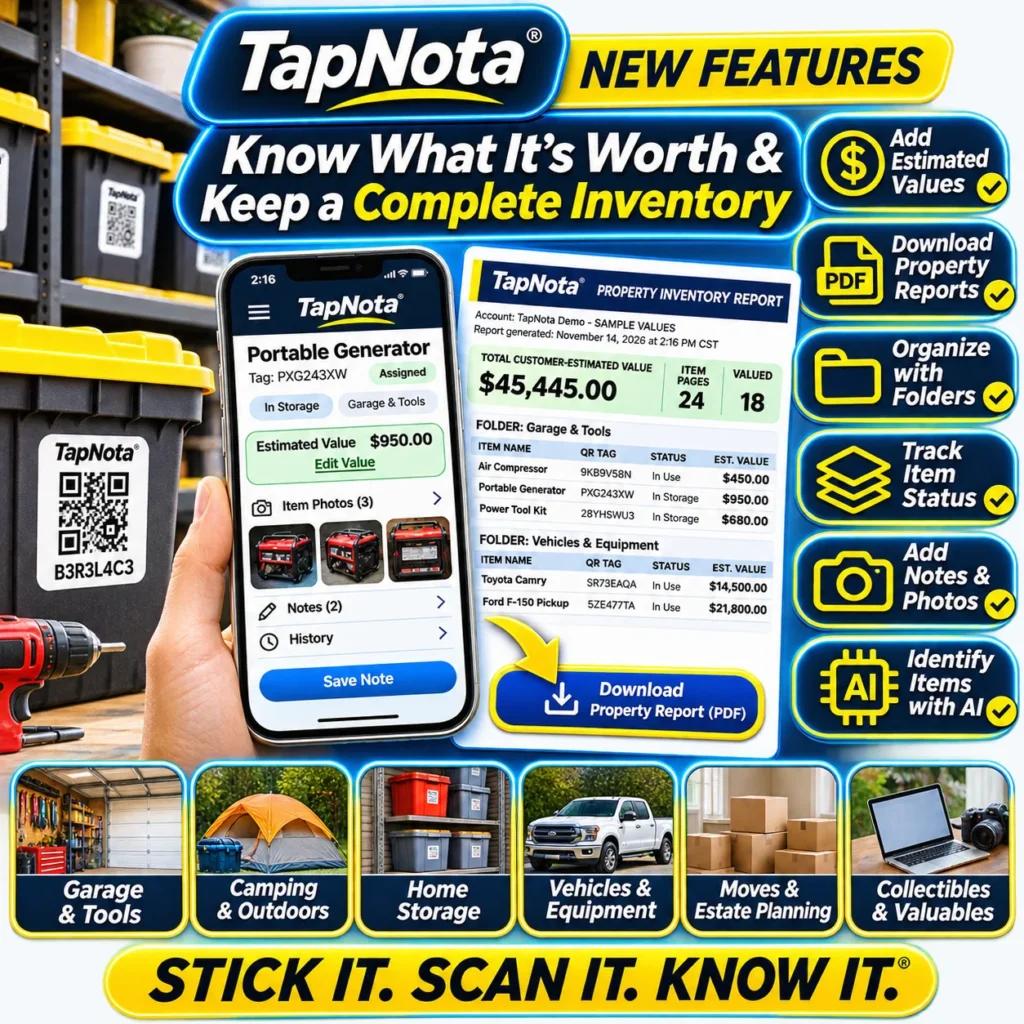
Keeping a detailed and organized inventory of your valuable belongings is essential for managing your assets, preparing for insurance claims, estate planning, or simply maintaining order at home or in your business. TapNota’s Property Inventory Report PDF feature offers a powerful way to download a comprehensive, account-wide summary of your items, complete with estimated values, folders, item status, and more.
What Is the TapNota Property Inventory Report PDF?
The Property Inventory Report PDF is a downloadable document generated from your TapNota web Portal account. It consolidates all your saved inventory records into an easy-to-read, printable format. This report groups items by folders, lists their assigned QR tag codes, shows item status (such as In Storage, In Use, Loaned Out, or Missing), and includes any customer-entered estimated values for your belongings.
Unlike a simple spreadsheet or handwritten list, this report reflects the evolving, detailed information you maintain on each Item Page linked to your physical TapNota smart QR labels. It provides a snapshot of your entire inventory at the time you generate the report, helping you know what you own and what it’s worth.
How to Create Your Property Inventory Report PDF
- Log in to the TapNota web Portal: Access your account on any device through a web browser; no app installation is required.
- Navigate to Your TapNota Tags: From the dashboard, find the list of all your activated and assigned tags.
- Set or Edit Estimated Values: If desired, enter estimated values for your items directly in the Estimated Value column here. These values are optional but useful for insurance or estate planning.
- Click Download Inventory PDF: This button generates the Property Inventory Report PDF, reflecting your current inventory, folders, statuses, and values.
- Save or Print the Report: Store a digital copy or print a physical version for your records or to share with insurers, appraisers, or family members.
Key Benefits of Using the Property Inventory Report PDF
- Complete Overview: See all your items organized by folder, with clear item names, QR tag codes, and statuses.
- Valuation Tracking: Keep track of estimated values you assign to your items, helping you understand the total worth of your inventory.
- Organized by Folder: Group items logically by location or category, making the report easy to navigate and understand.
- Item Status Monitoring: Know if an item is stored, in use, loaned out, missing, or sold, so your inventory stays accurate over time.
- Portable and Shareable: The PDF format makes it easy to share your inventory with trusted parties or keep a backup for emergencies.
Practical Use Cases for the Property Inventory Report
The Property Inventory Report PDF is ideal for a variety of scenarios:
- Homeowners: Document valuable possessions for insurance claims or estate planning.
- Small Businesses: Track equipment, tools, and supplies with assigned values and statuses.
- Collectors: Maintain a detailed record of collectibles and valuables with photos and notes.
- Moving & Estate Planning: Provide a clear inventory of assets for smoother transitions.
- Shared Family Access: Collaborate with family members through shared accounts while maintaining control.
How TapNota’s Property Inventory Report Fits Into Your Workflow
TapNota’s system links your physical smart QR labels to editable Item Pages in your account. As you add names, notes, photos, manuals, serial numbers, and condition updates, your inventory grows richer. The Property Inventory Report PDF then pulls together all this saved data into a snapshot report without needing to scan labels again.
This means you can maintain your inventory digitally, search for items by name or tag code, and generate up-to-date reports anytime. The report is not automatically recurring or cloud-hosted; you control when to create and download it.
For more detailed instructions and examples on using this feature, see How to Use TapNota’s Property Inventory Report to Track and Value Your Valuables.
Additional Tips for Maximizing Your Inventory Management
- Use Folders Wisely: Organize your items by room, category, or usage to keep the report clear and logical.
- Regularly Update Item Status: Mark items as loaned, sold, or missing to keep your inventory current.
- Add Notes and Photos: Supplement your report with detailed descriptions and images for better documentation.
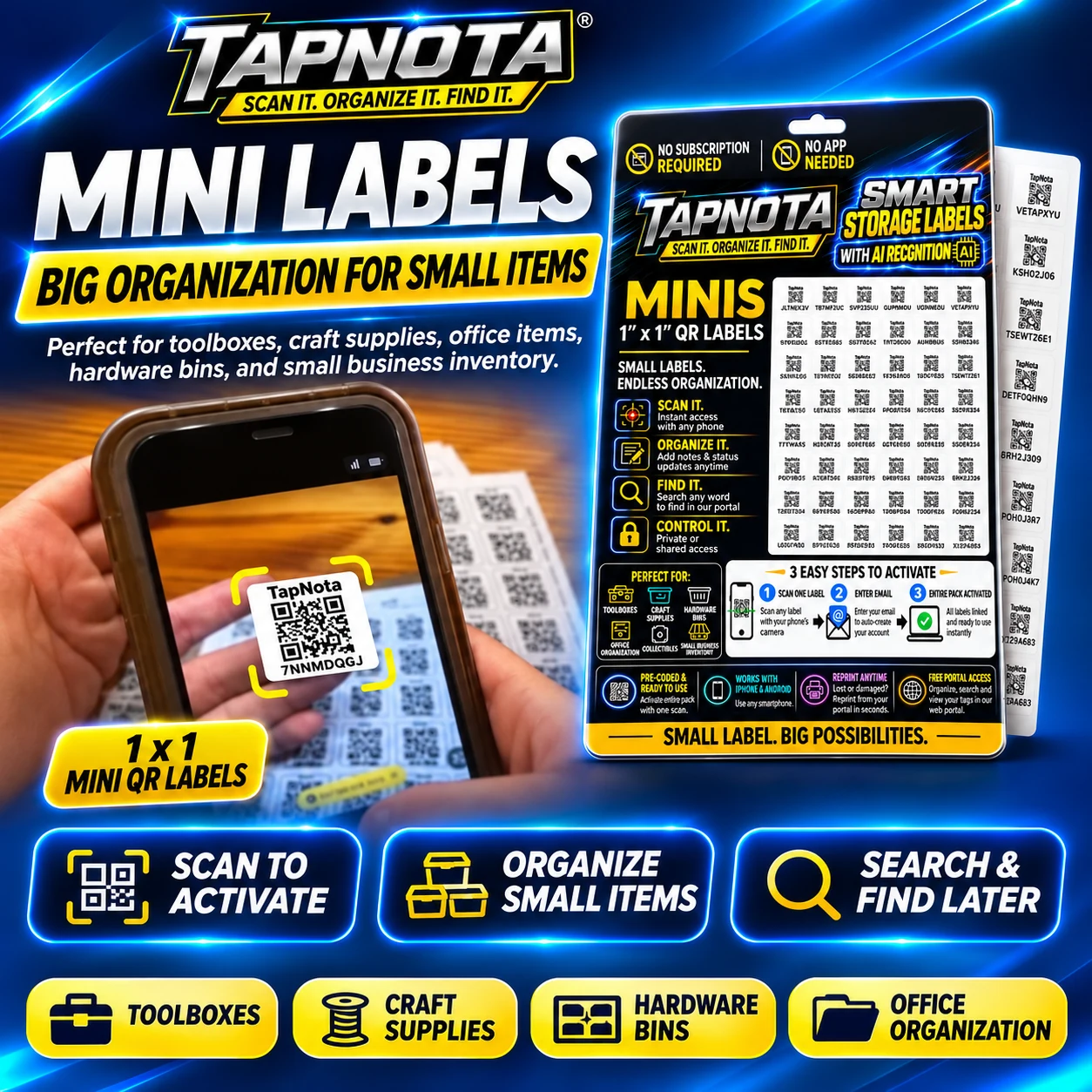
- Leverage Mini QR Labels: For small items, TapNota Mini Labels help you maintain detailed records without clutter (see how to maximize storage bin organization with Mini Labels).
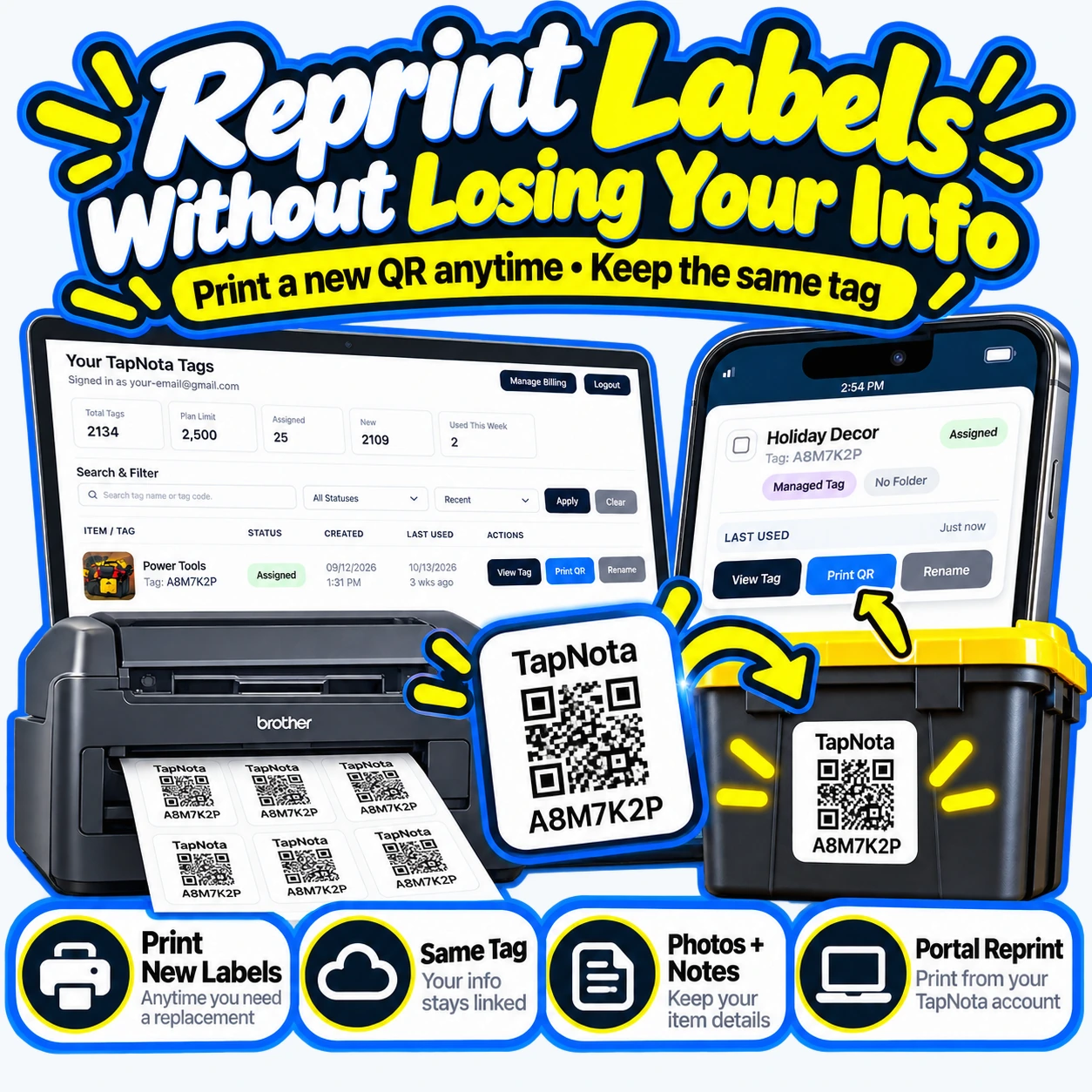
- Reprint Labels When Needed: Keep your physical labels readable and intact by reprinting damaged ones without losing linked data (learn about reprinting TapNota labels).
Summary
TapNota’s Property Inventory Report PDF is a valuable tool that transforms your dynamic, detailed TapNota inventory into a clear, organized, and shareable document. It helps you know what you own, track item values, and manage your assets with confidence. By integrating this report into your inventory routine, you can simplify insurance preparation, estate planning, and everyday organization.
Frequently Asked Questions
What information is included in the TapNota Property Inventory Report PDF?
The report includes item names, QR tag codes, item status, folder organization, and any customer-entered estimated values for each item.
Can I add estimated values to my items for the report?
Yes, you can manually enter or edit estimated values for your items in the Your TapNota Tags list in the Portal before generating the report.
Is the Property Inventory Report PDF automatically updated or recurring?
No, the report is generated on demand when you click Download Inventory PDF in your TapNota Portal. It reflects the inventory status at that moment.
Can I share the Property Inventory Report PDF with others?
Yes, since the report is a PDF file, you can easily share it via email or print it for family members, insurers, or appraisers.
Do I need to scan each label to include items in the report?
No, the report includes all items you have saved and organized in your TapNota Portal account, regardless of scanning at report time.


