
Activate the Entire Pack Once
Scan any label in the purchased pack, enter and verify your email, and TapNota connects the whole pack to your account.
You do not activate every label separately.

Explore practical guides for storage bins, moving boxes, home inventory, tools, and equipment. Learn how TapNota smart QR labels, searchable Item Pages, and AI-assisted identification make everyday organization easier.
Storage organization · Moving & packing · Home inventory · AI · Sharing
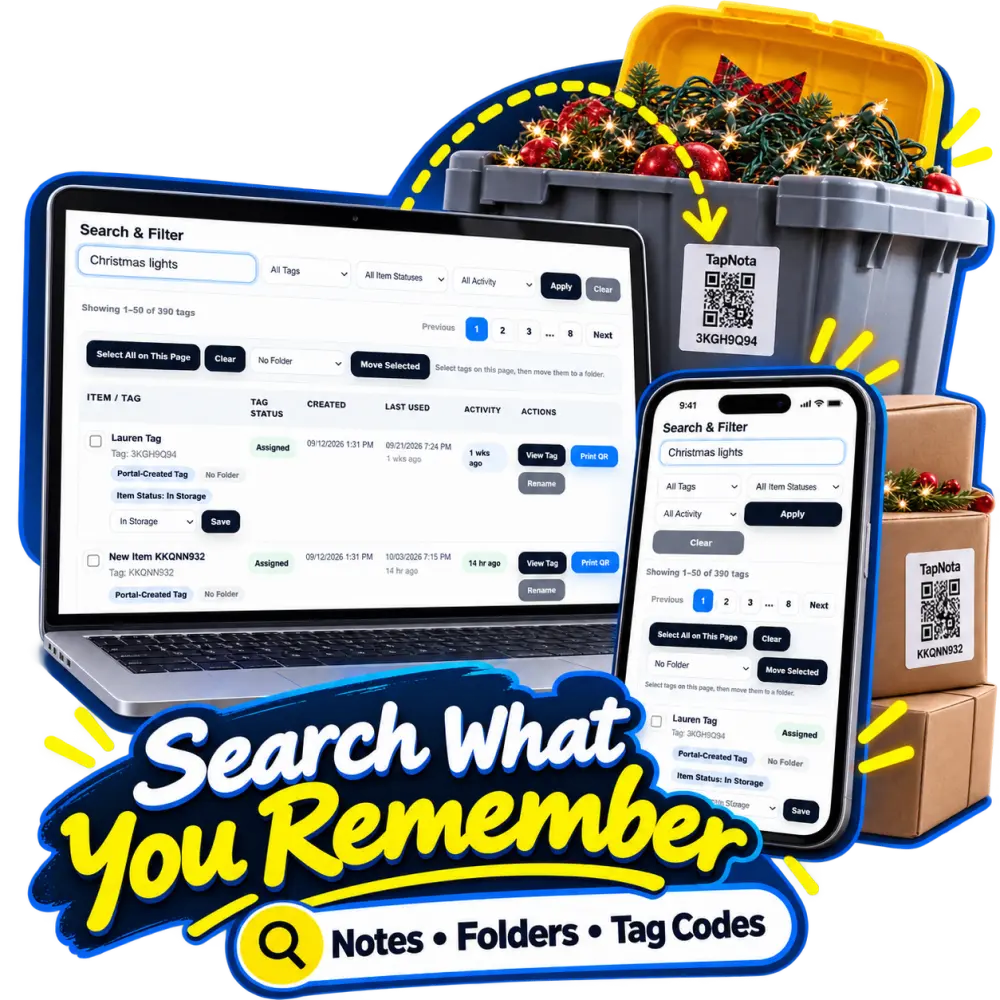
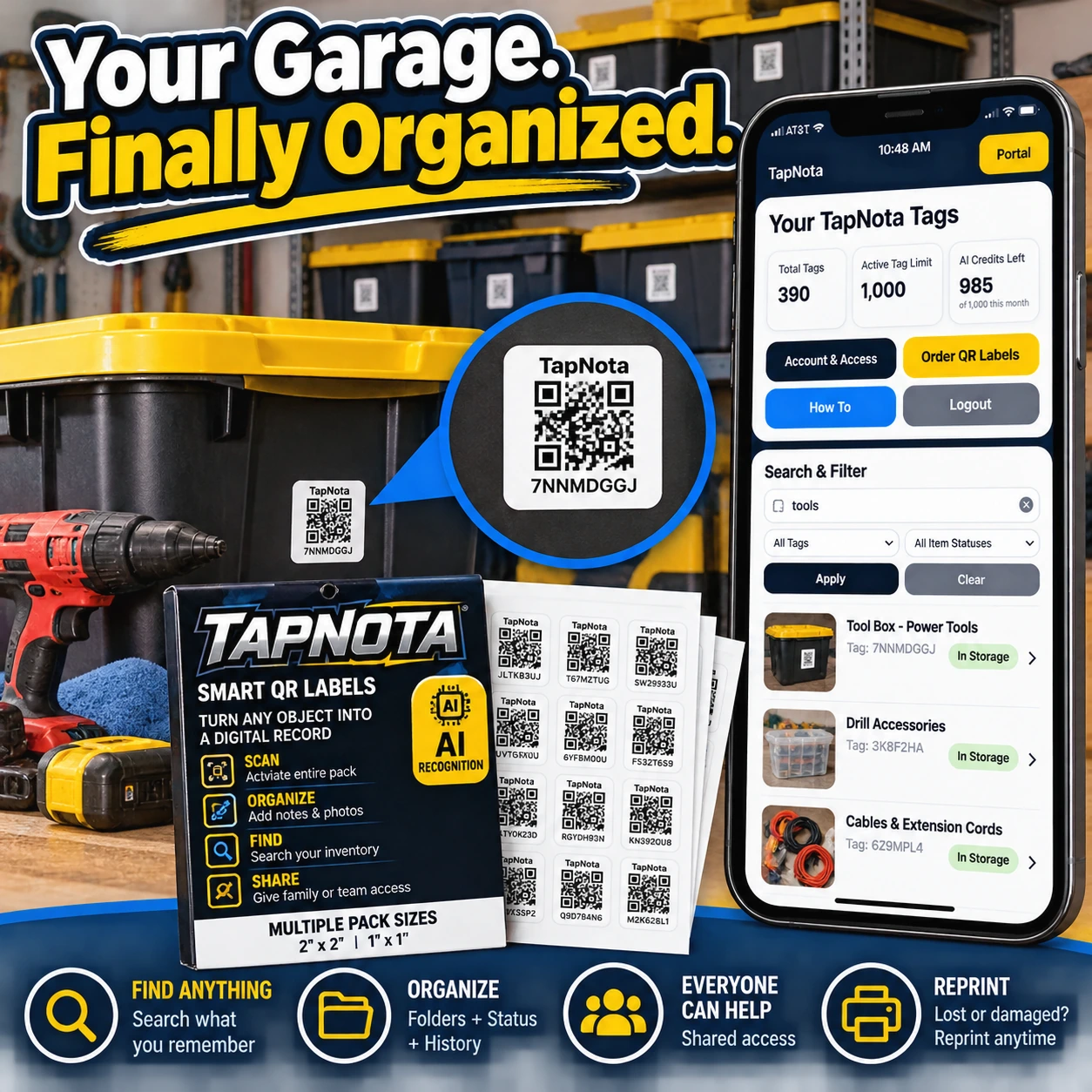
Say goodbye to garage clutter and mystery bins. Learn how TapNota smart QR labels help you organize, find, and share your garage tools and storage with ease.
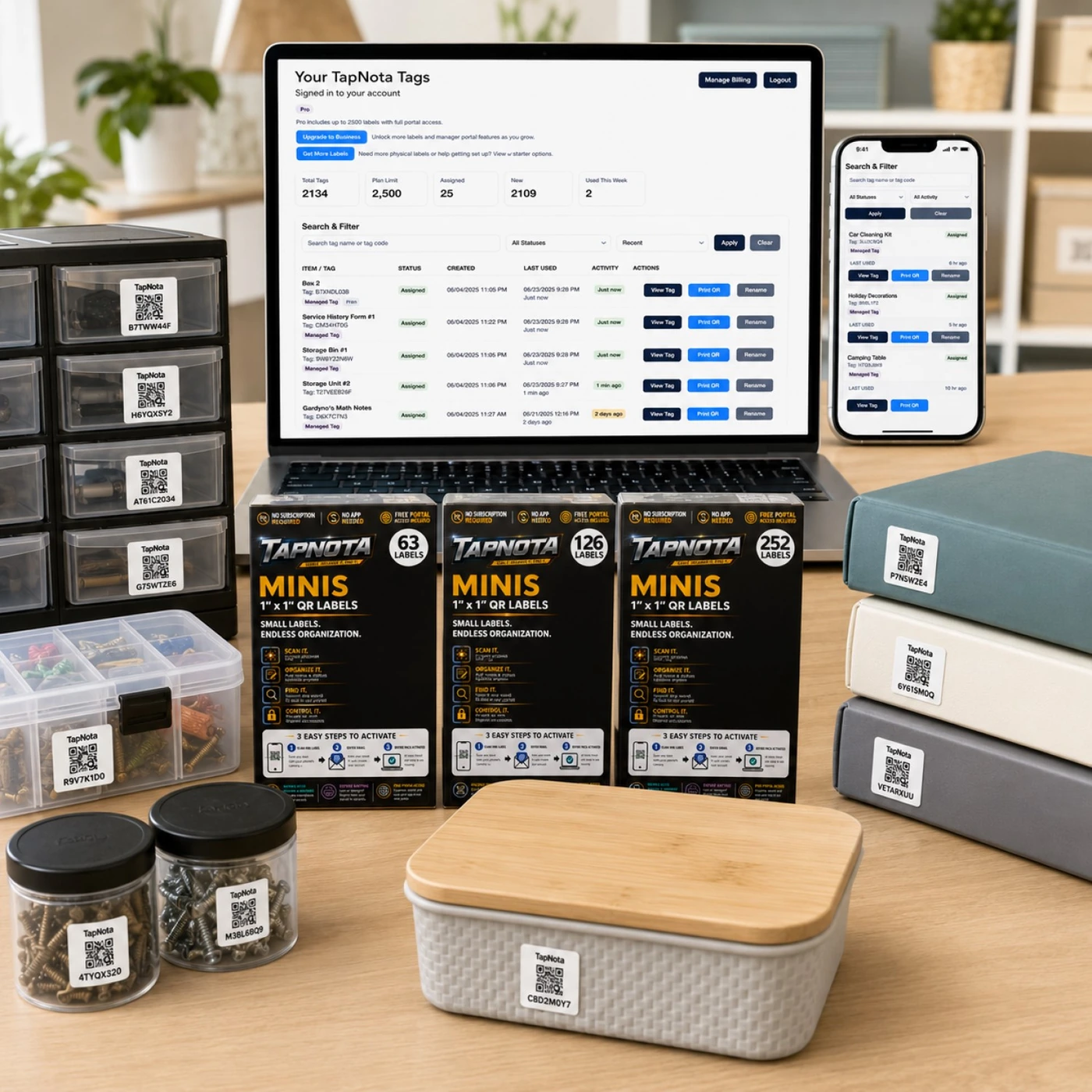
Learn how TapNota Mini QR Labels combined with the TapNota web Portal transform your organization by linking physical items to digital records accessible anywhere, anytime.
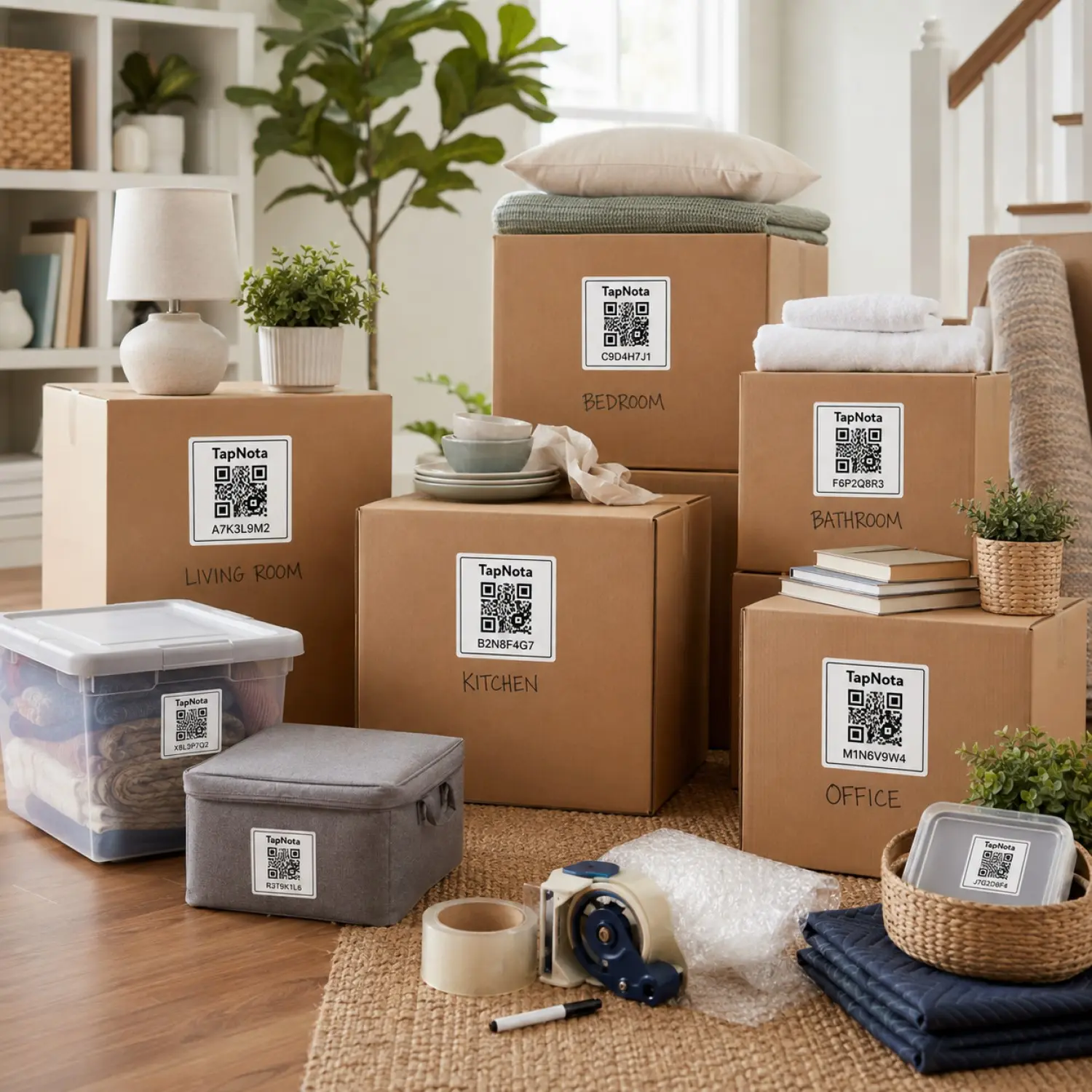
Discover how TapNota’s smart QR labels simplify moving box inventory by linking physical boxes to digital records, making packing and unpacking faster and more organized.
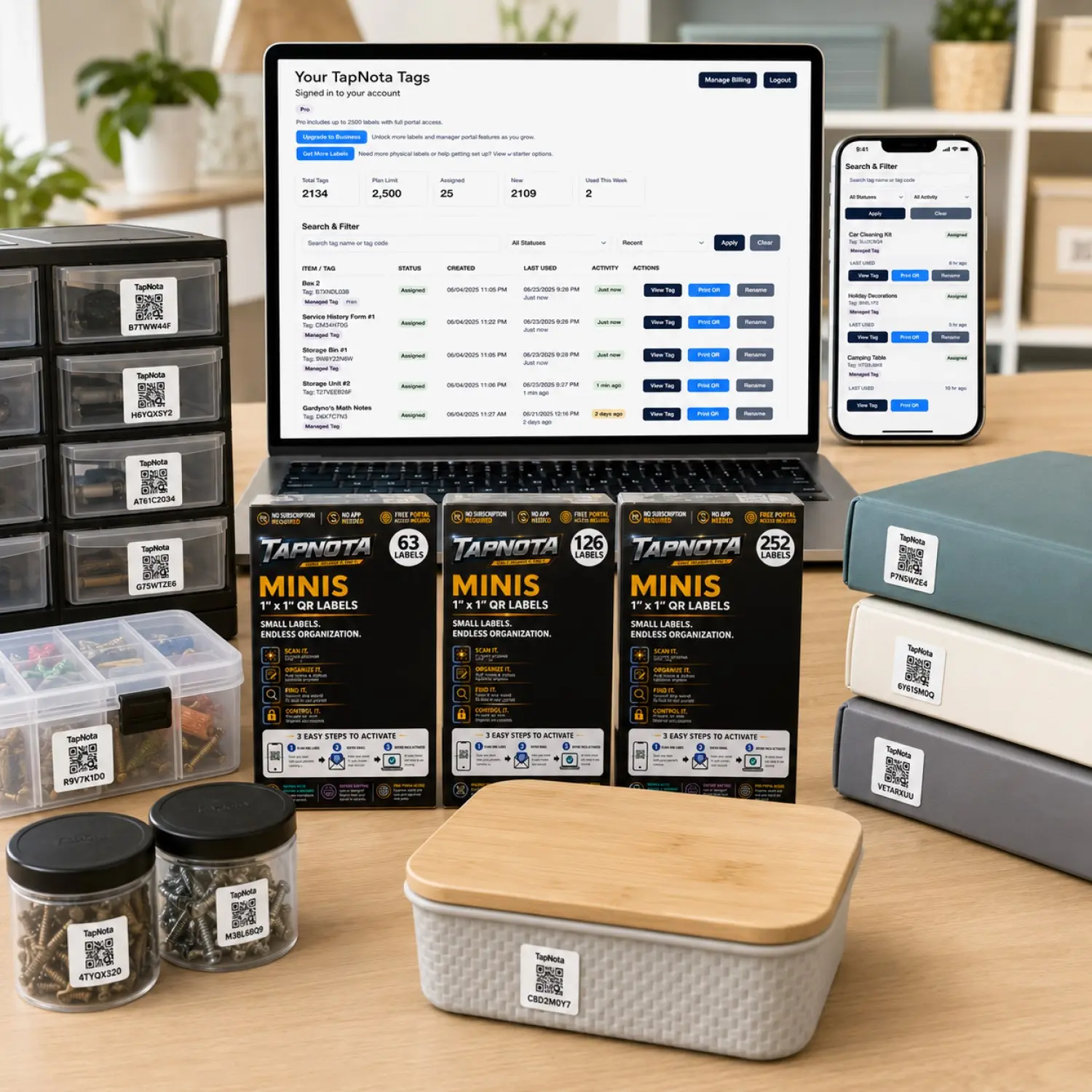
Discover how TapNota mini QR labels transform office organization by linking physical folders, boxes, and supplies to editable digital records searchable anytime in the TapNota Portal.
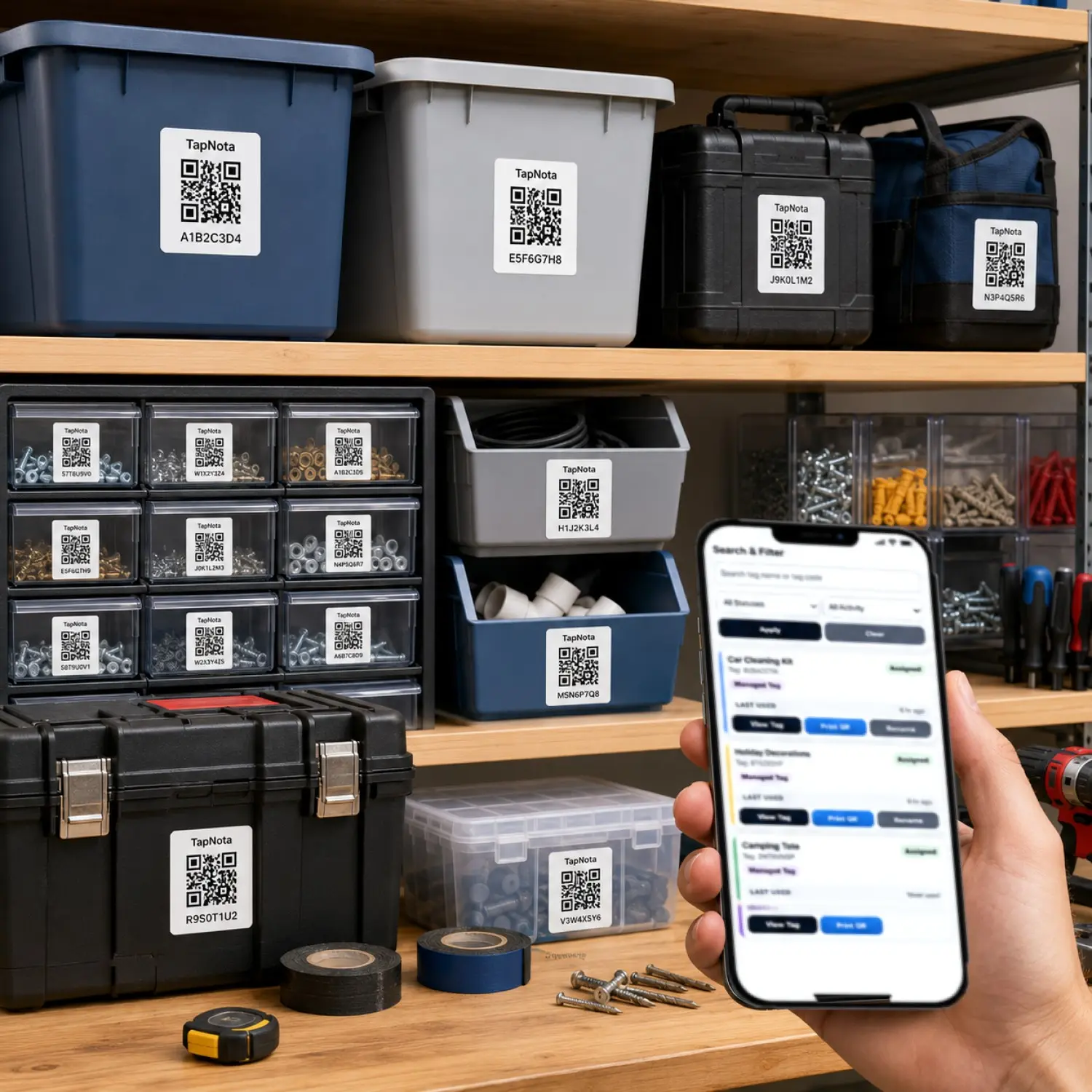
Learn how TapNota Mini QR Labels transform workshop tool and drawer organization by linking physical items to editable digital records accessible via a simple scan or Portal search.
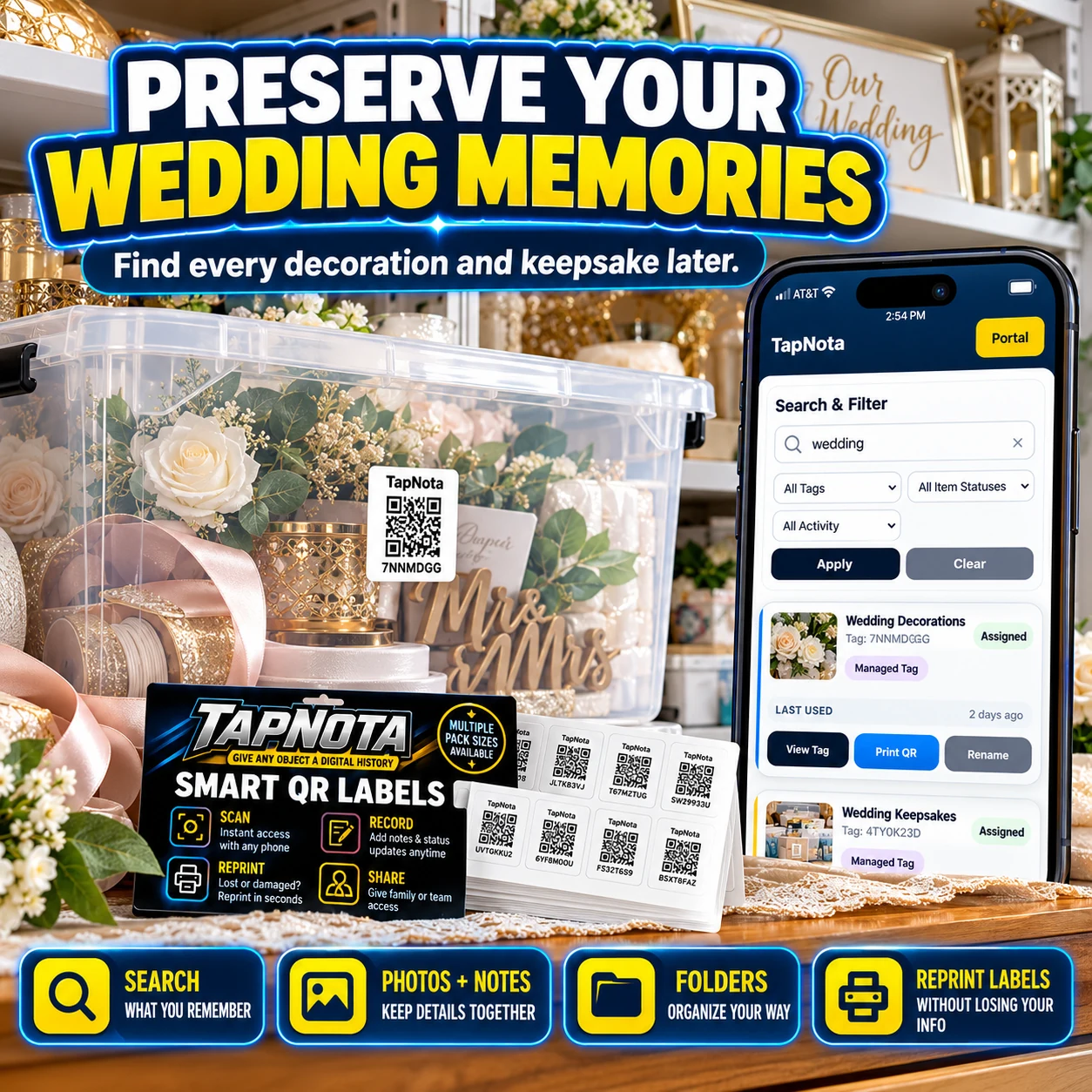
Discover how TapNota smart QR labels help you preserve your wedding memories by organizing decorations and keepsakes in a searchable, shareable digital inventory.
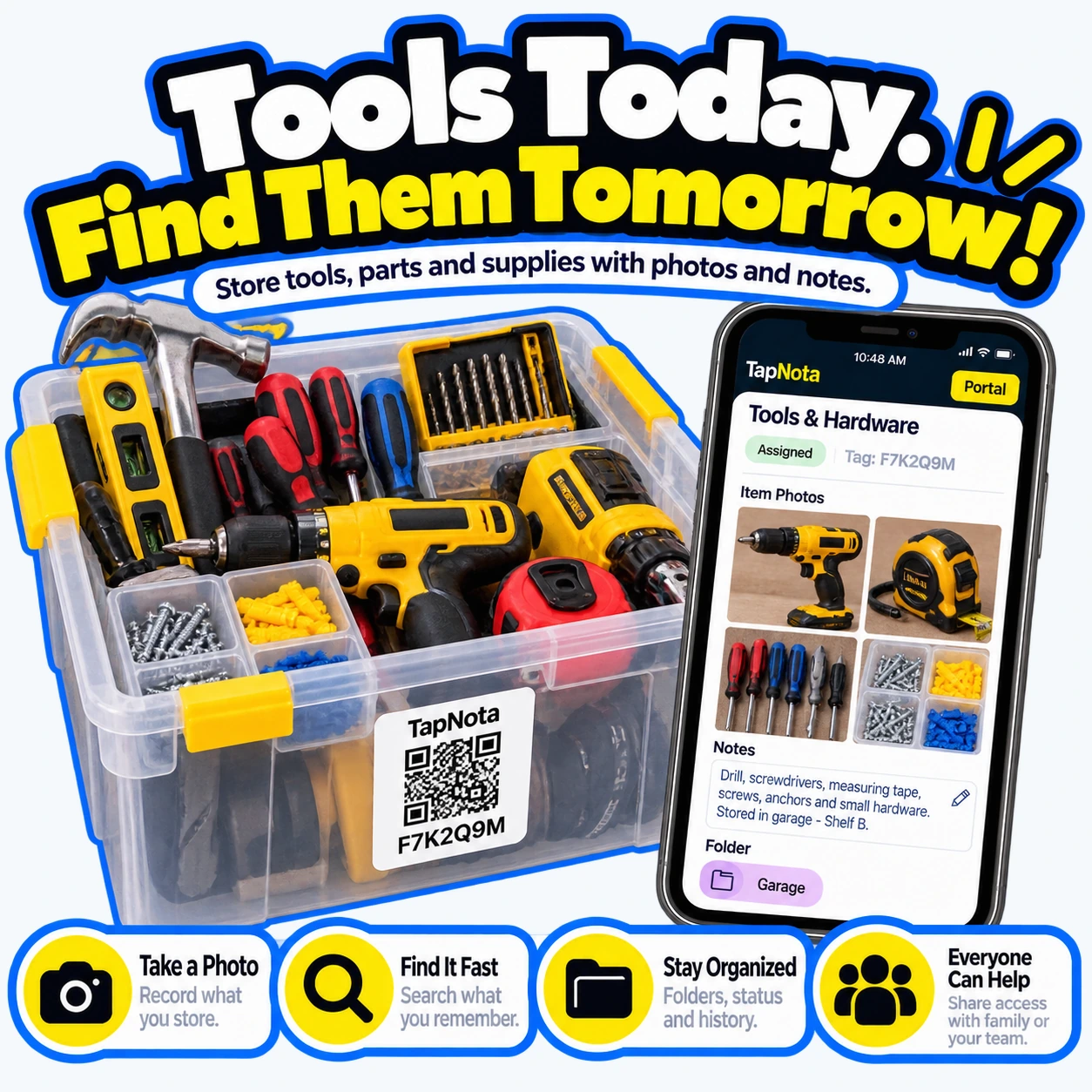
TapNota’s smart QR labels transform tool and hardware storage by linking physical bins to detailed digital records. Learn how to organize, search, and share your tool inventory effortlessly.
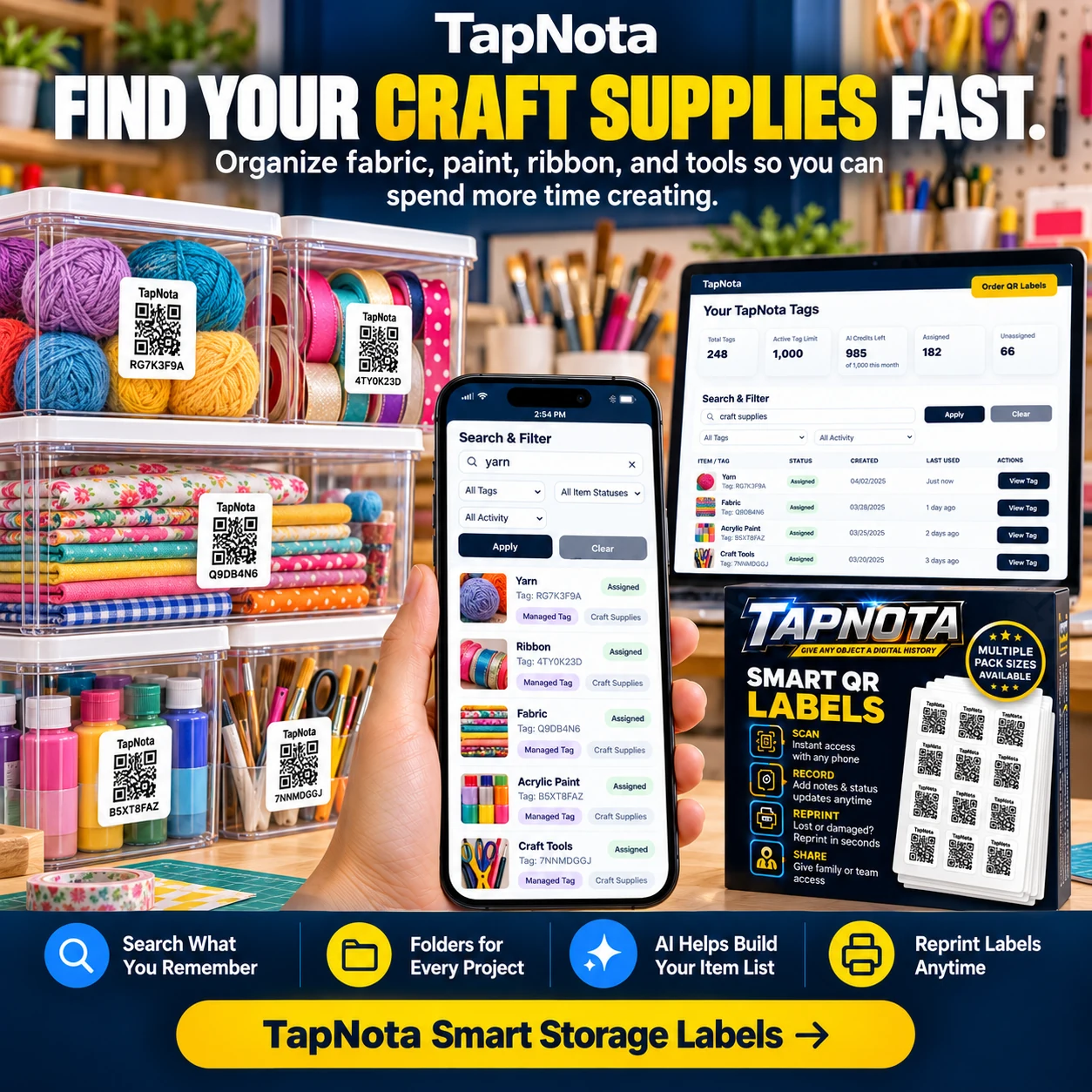
Learn how TapNota’s smart QR labels transform your craft supply storage by linking physical bins and containers to detailed, searchable digital records. Save time finding fabric, paint, ribbons, and tools with an easy-to-use system that grows with your creative projects.
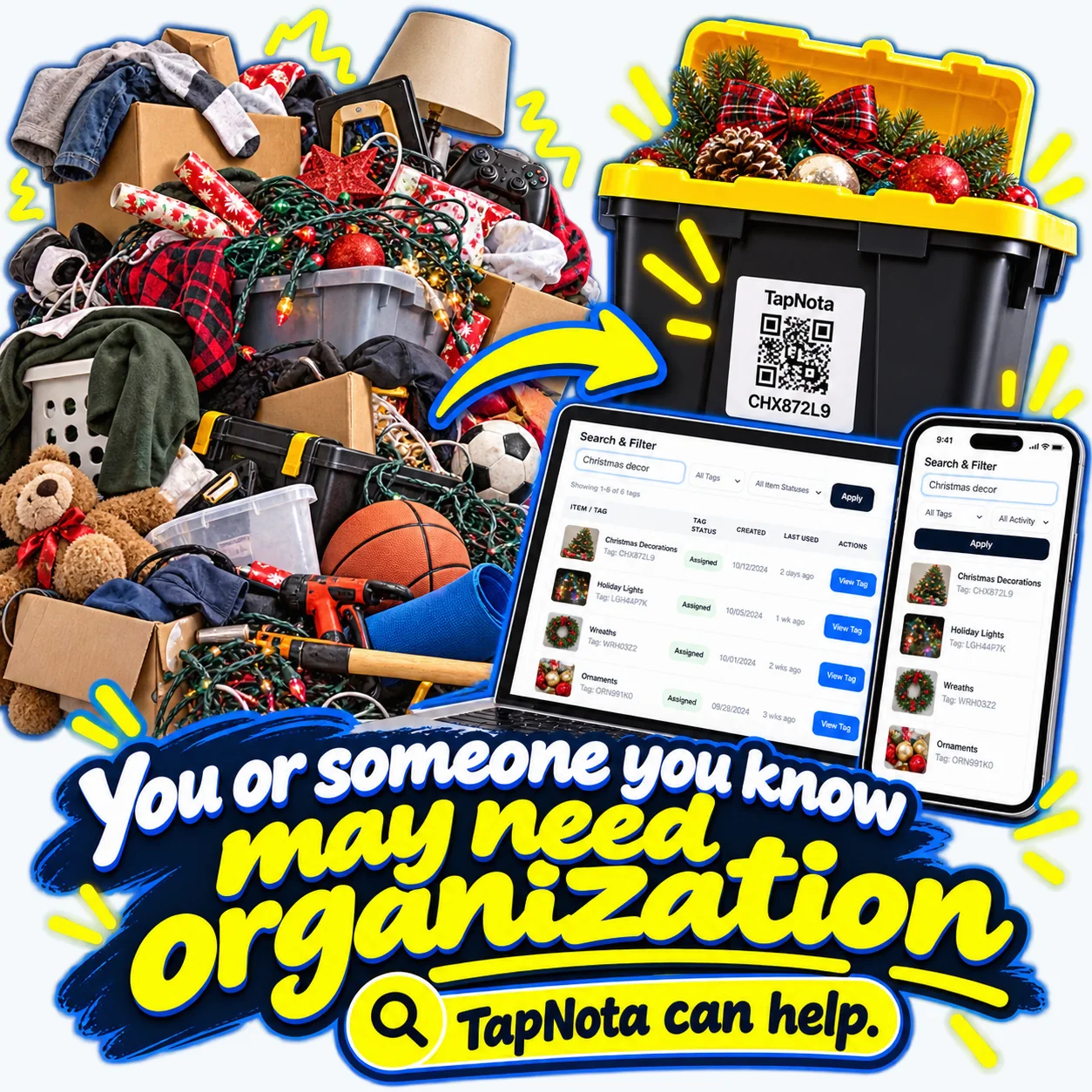
Seasonal decorations and storage bins often create clutter and frustration. TapNota’s smart QR labels simplify organization by linking physical bins to digital records accessible anytime.
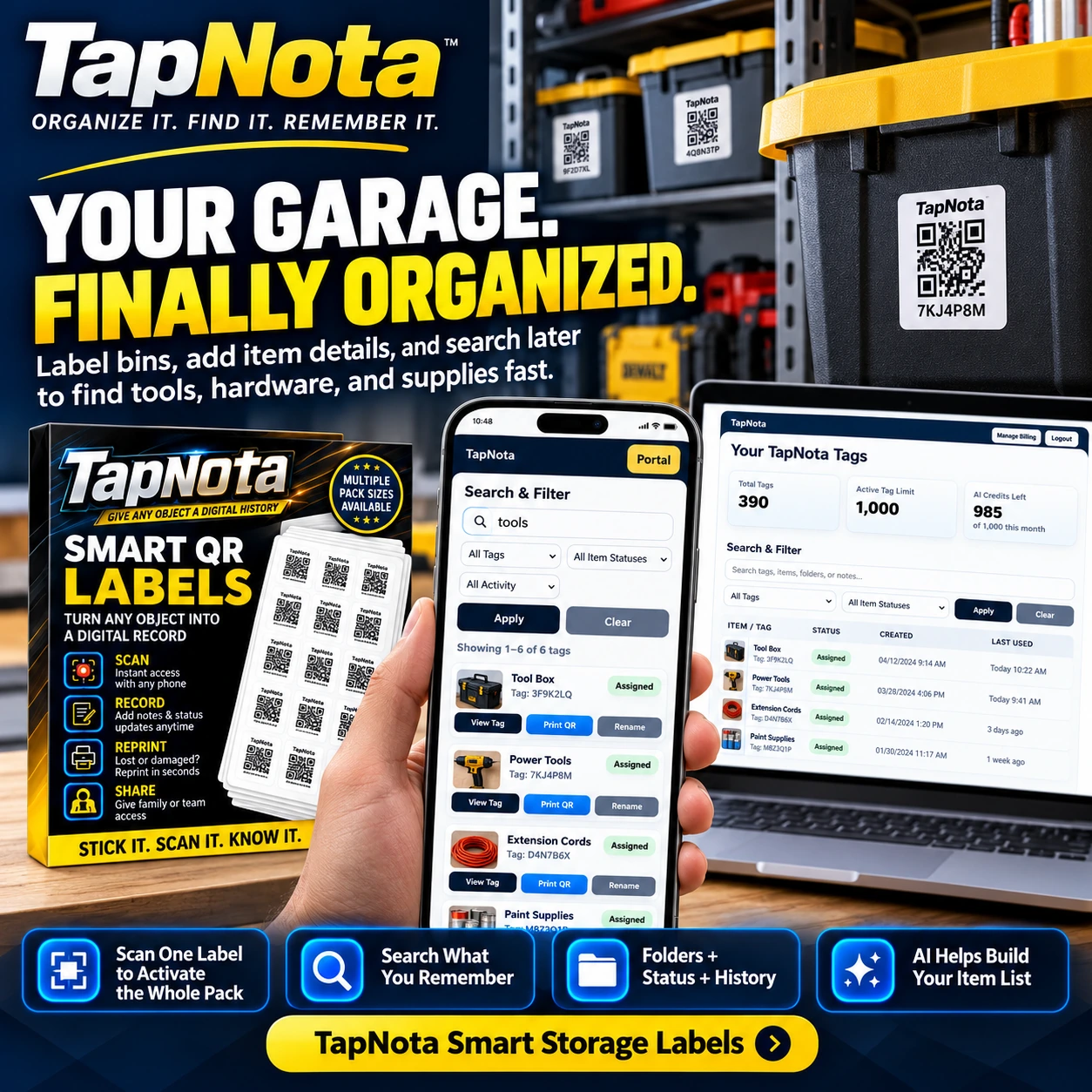
TapNota smart QR labels transform your garage storage by connecting physical bins and tools to editable digital records. Learn how to set up, organize, and manage your garage inventory efficiently.
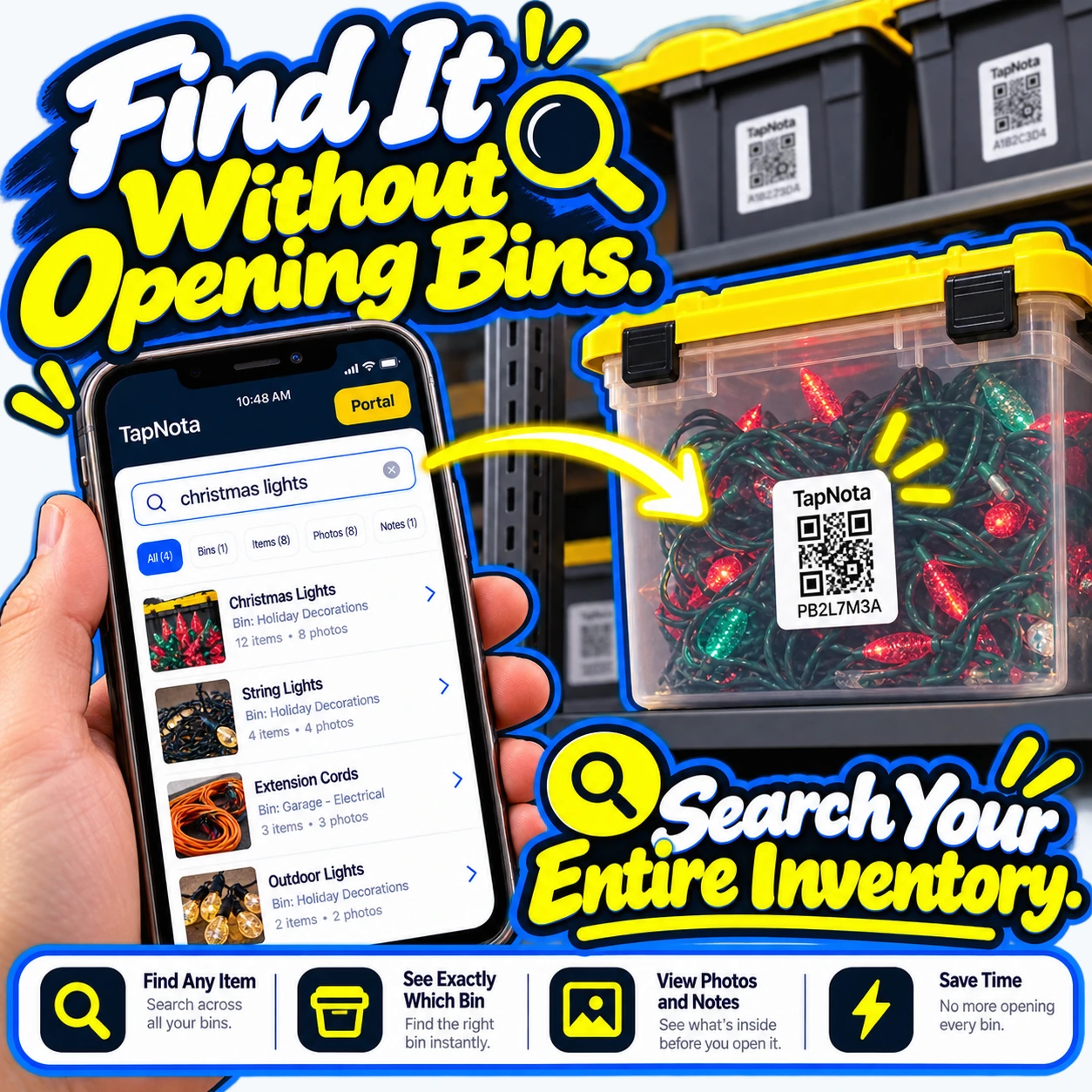
Learn how TapNota’s smart QR labels and web Portal let you find any stored item without opening bins. Search your entire inventory, view photos and notes, and save time organizing.
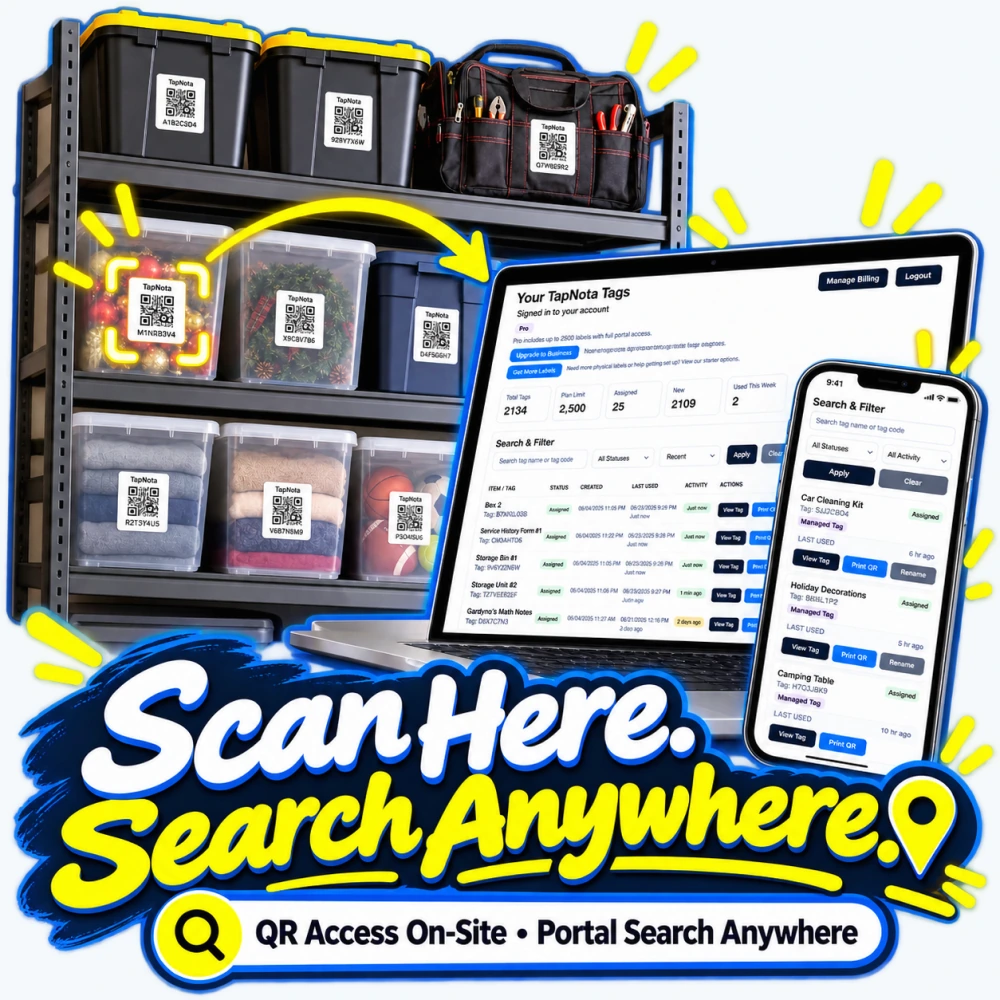
Discover how TapNota’s innovative smart QR labels connect physical items to a dynamic digital inventory, enabling quick on-site scanning and powerful remote searching without any app installation.
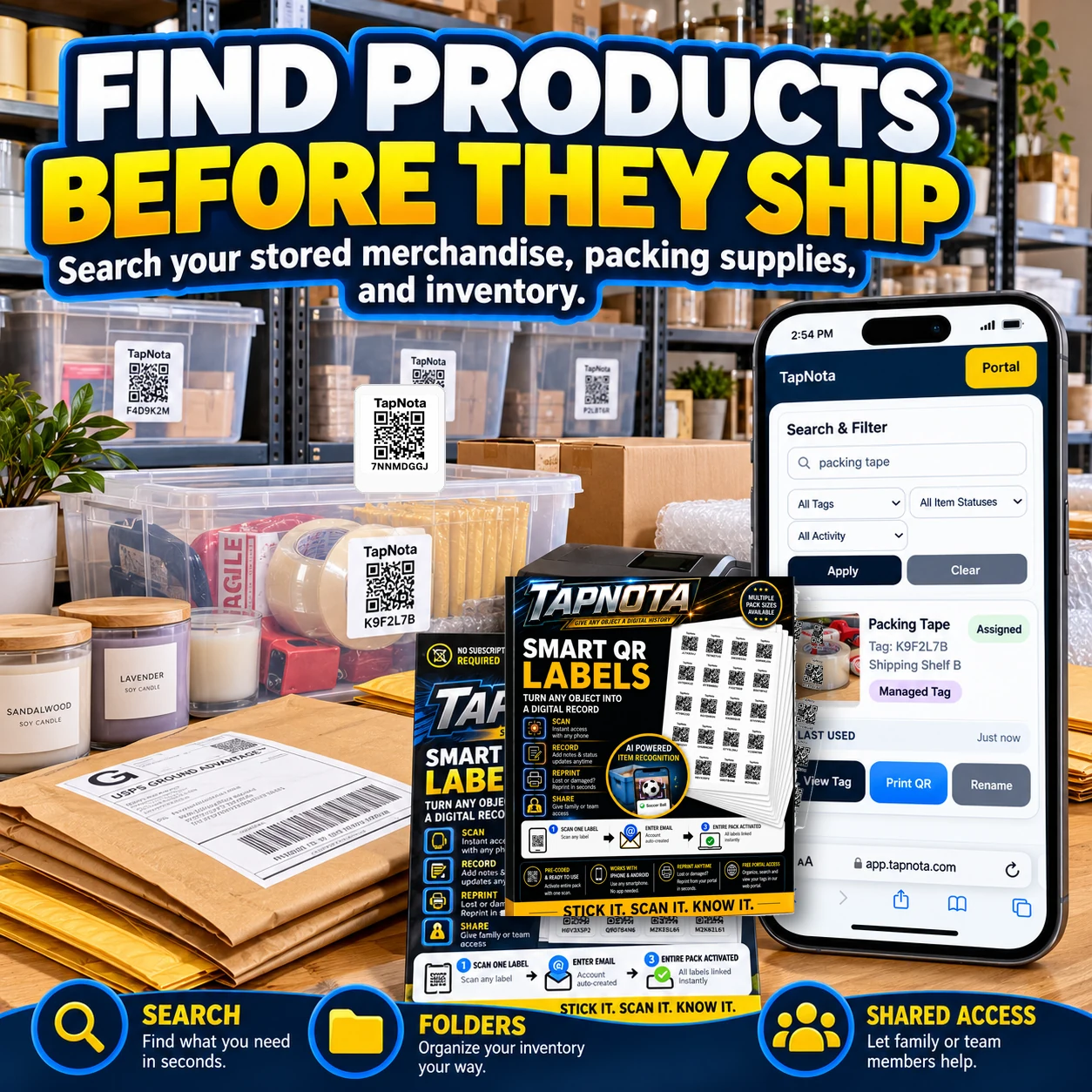
Online sellers often juggle numerous shipping supplies and merchandise. TapNota’s smart QR labels transform physical items into searchable digital records, making it easy to find and manage shipping materials and inventory before orders ship.
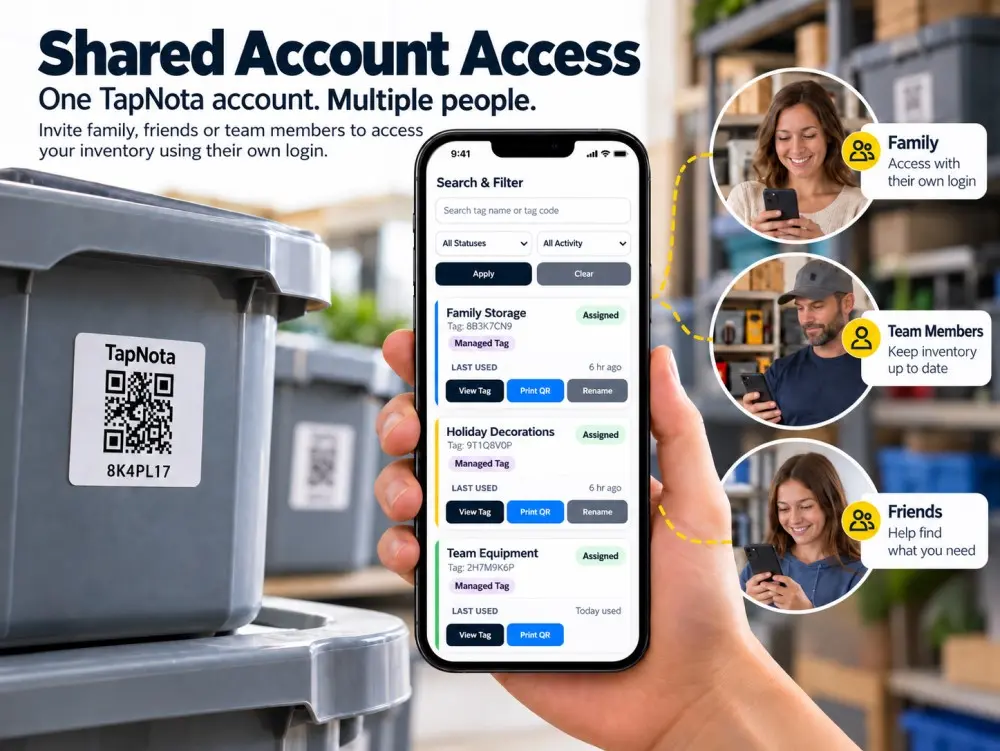
TapNota’s Shared Account Access allows families, friends, and teams to collaborate on one smart inventory system with individual logins, making organization and tracking effortless.
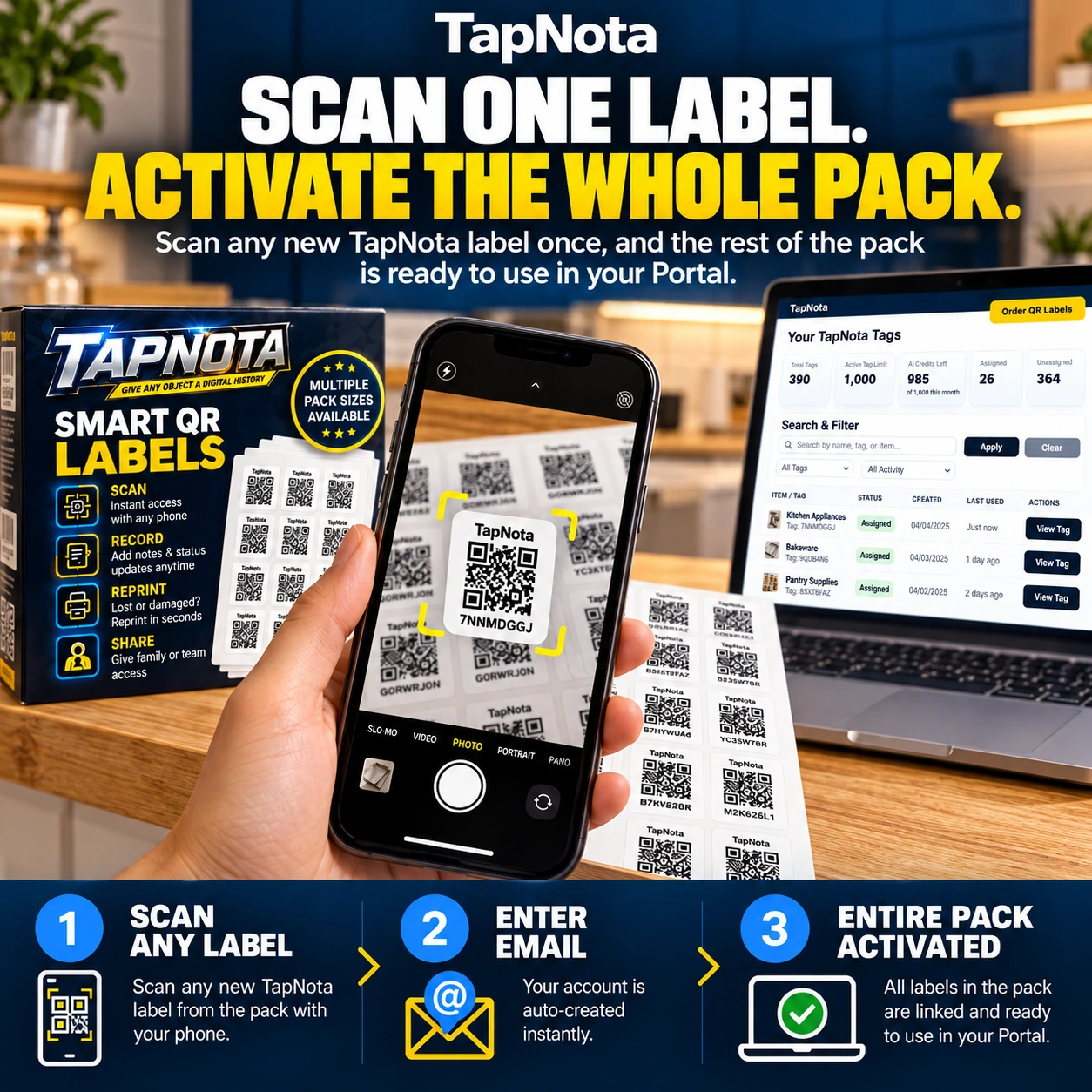
Discover the effortless way to activate your entire TapNota pack by scanning just one label. This guide explains the activation process, label sizes, and how to manage your inventory efficiently.
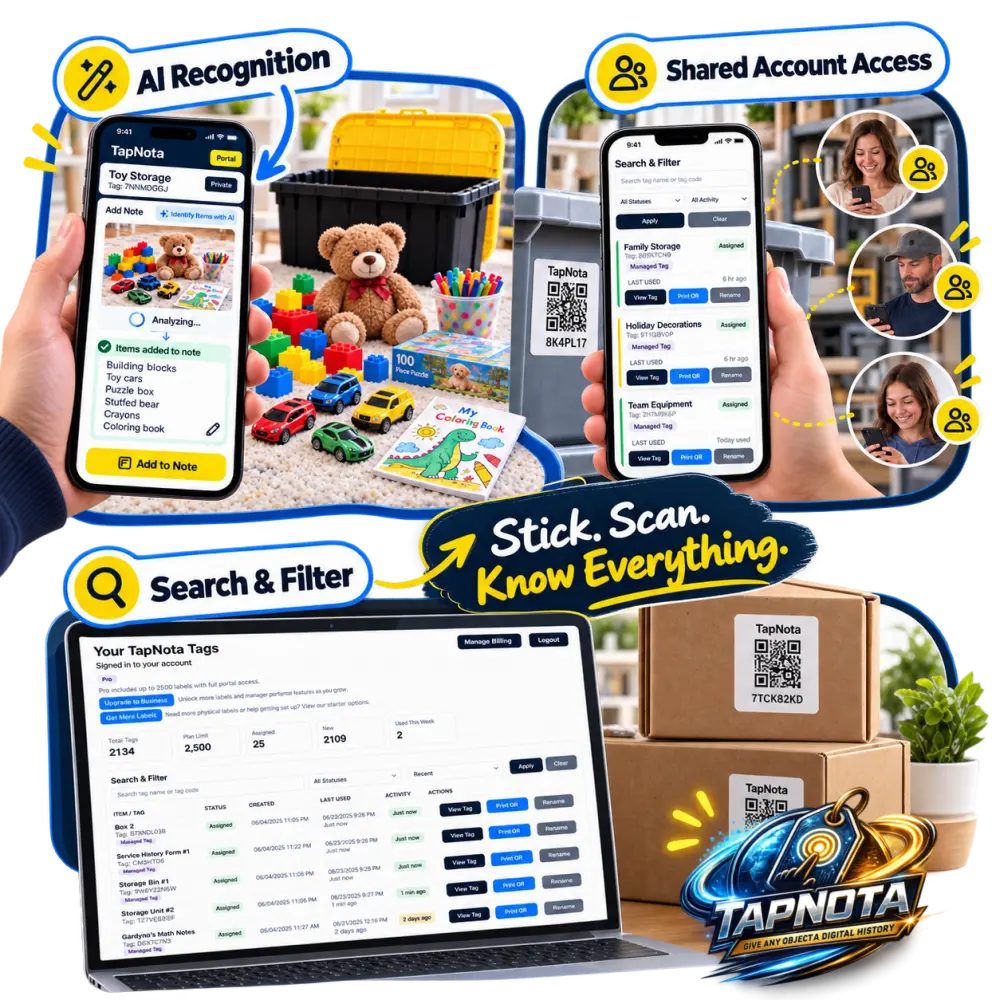
Learn how TapNota’s AI feature transforms toy dinosaur storage by instantly identifying items, adding notes, and enabling quick search across bins — making playroom organization effortless.
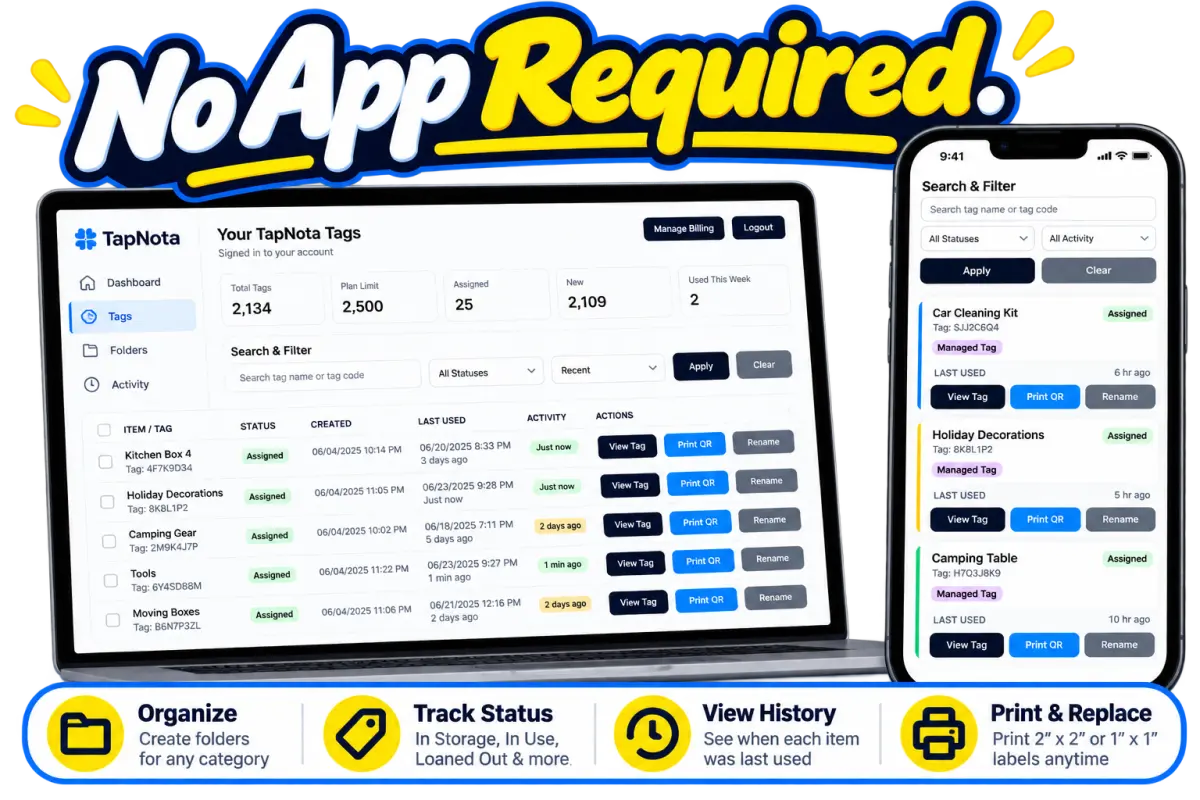
Discover how TapNota’s smart QR labels and web Portal help you organize important documents in labeled bins for quick, searchable access whenever you need them.
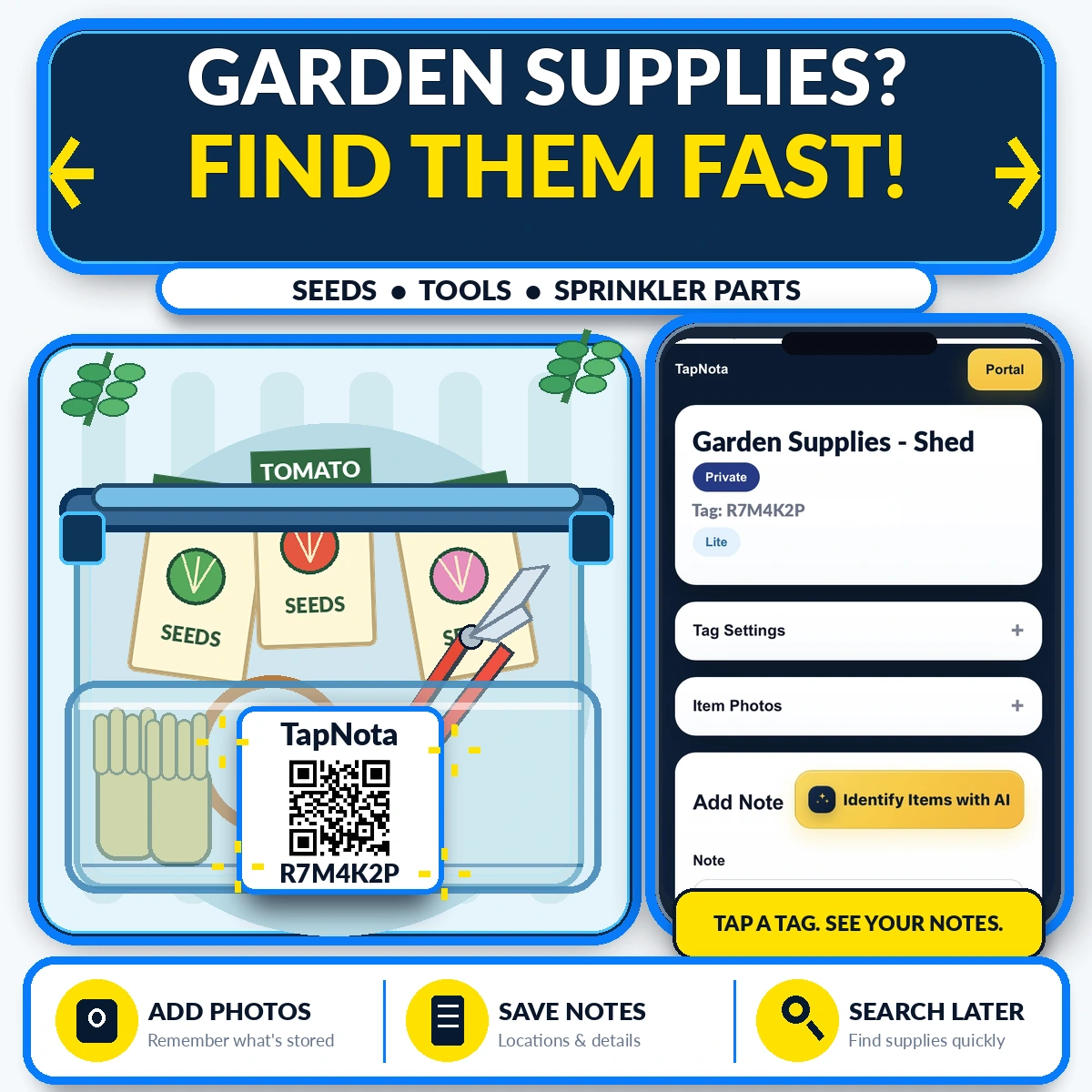
Keep your garden supplies organized and easy to find with TapNota’s smart QR labels. Learn how to label, add notes, photos, and use the searchable Portal to manage seeds, tools, and sprinkler parts effortlessly.
Prefer a deeper overview? These practical resource pages explain how TapNota works for common organization projects.
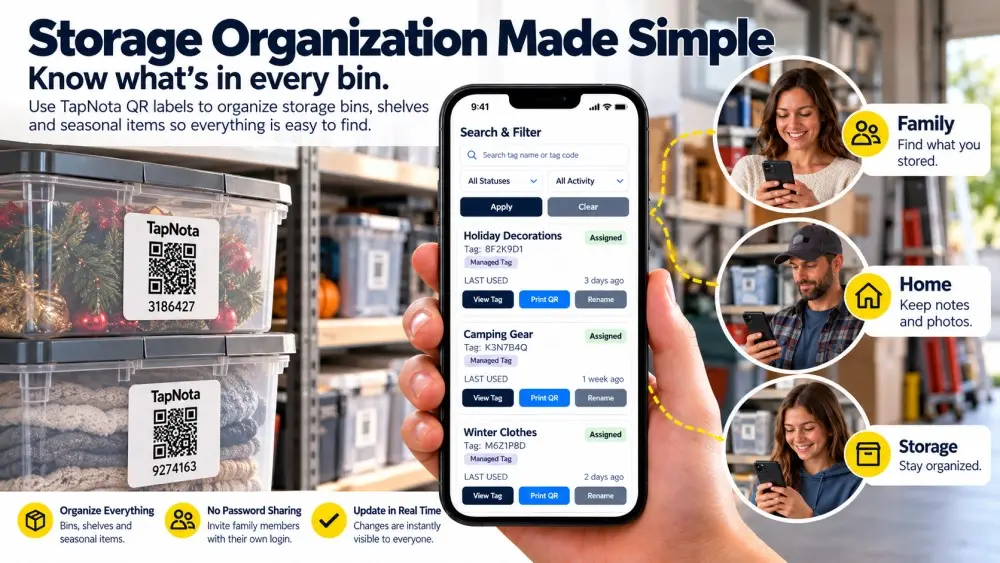
Keep a searchable record of what you stored, where it belongs and what changes over time.
Explore storage labels →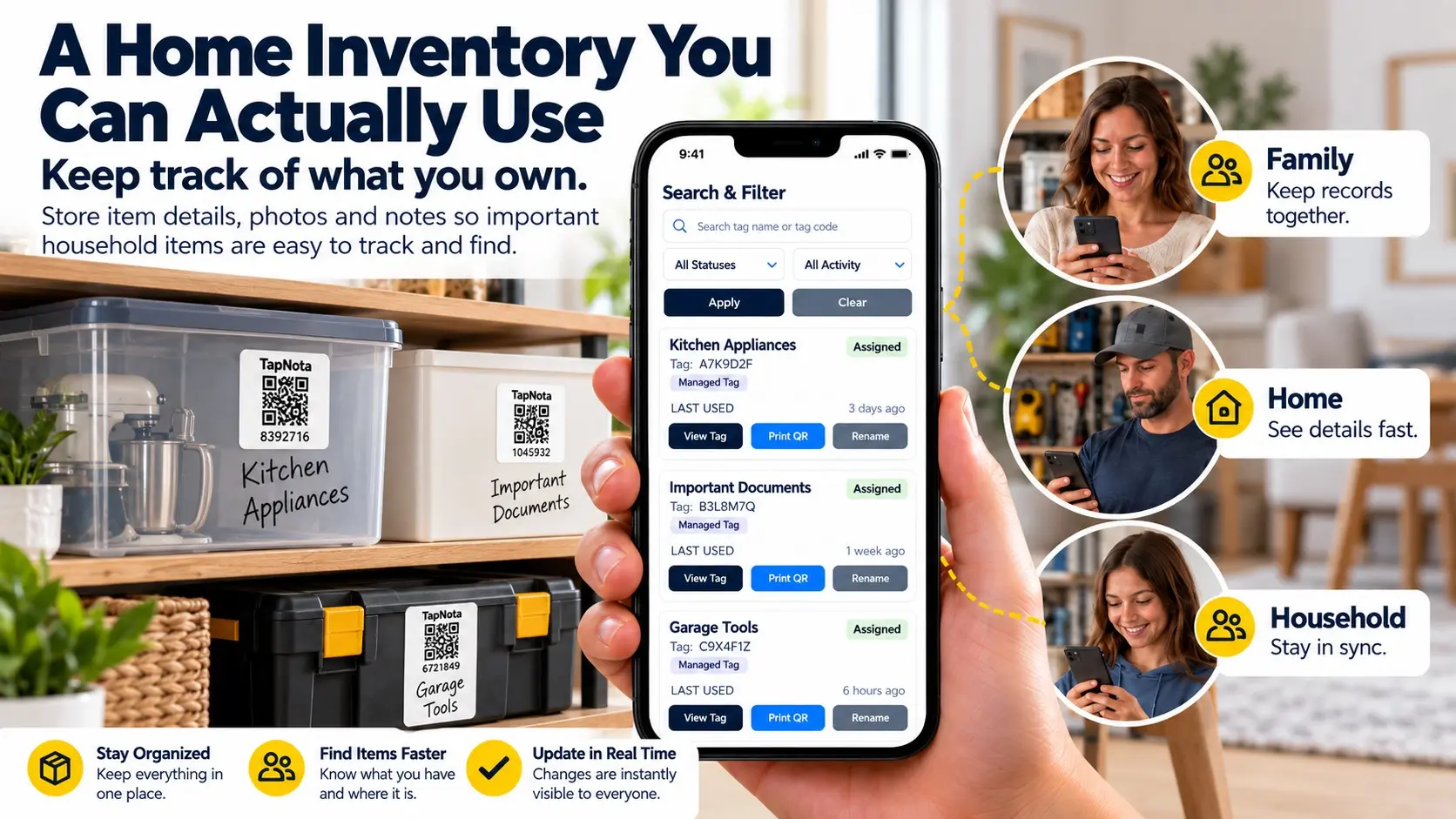
Organize household belongings, photos and notes in one searchable inventory.
Explore home inventory →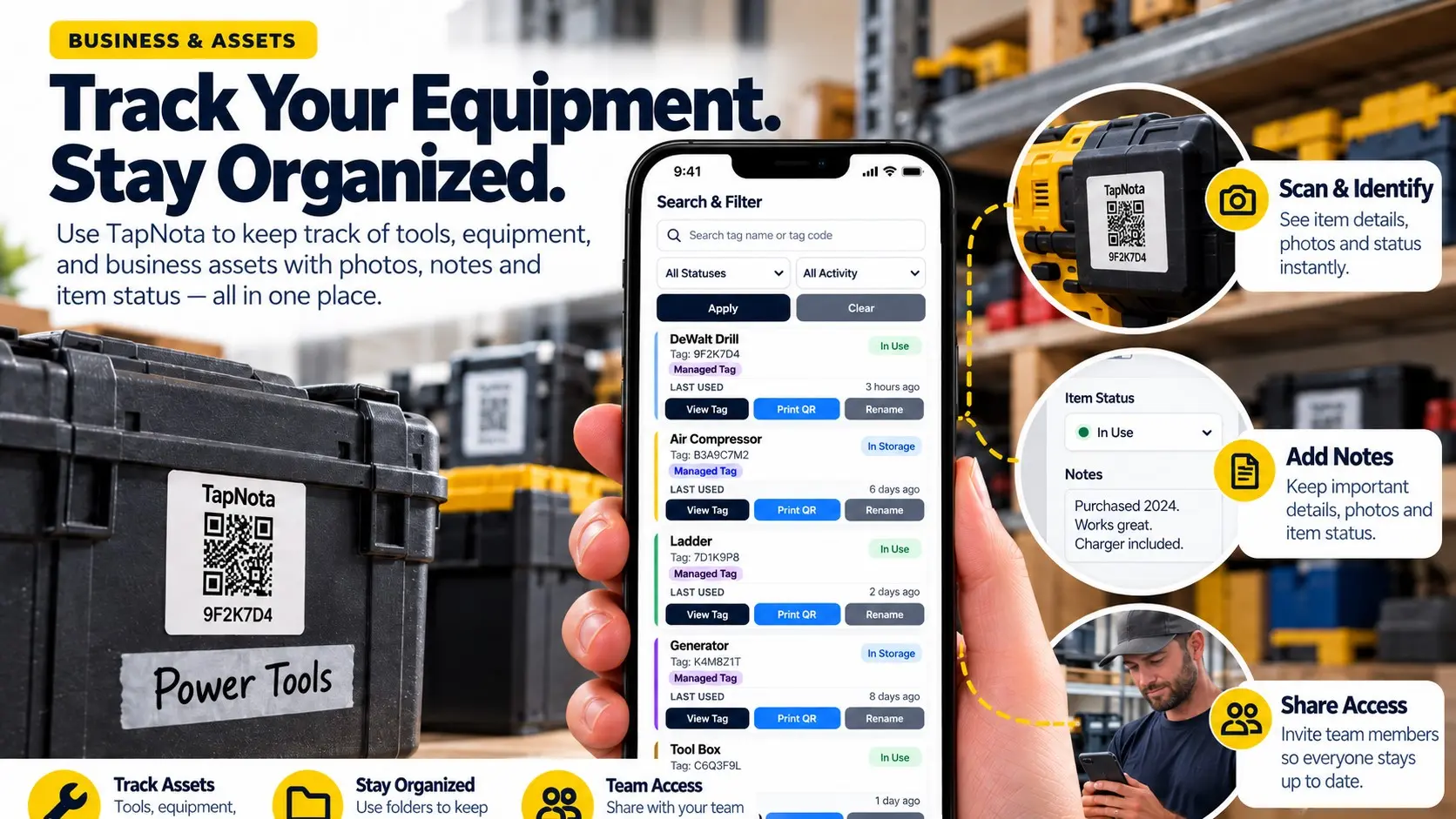
Track equipment details, notes, history and locations with smart QR-linked records.
Explore tool tracking →Need more labels? Buy additional TapNota pre-coded packs on Amazon. Scan one label to activate your entire pack instantly.











